
ActiViz in Action
Engineering & Industrial Design
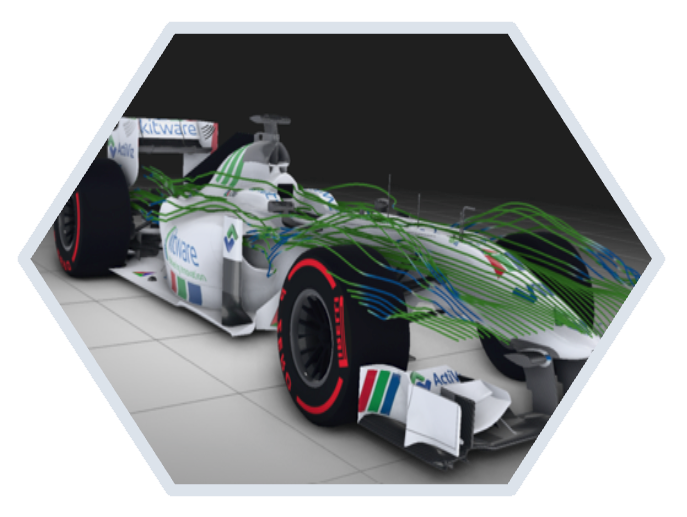
Activiz is widely used to support simulation analysis and digital prototyping workflows in fields including:
- Finite Element Analysis (FEA)
- Computational Fluid Dynamics (CFD)
- Mechanical and aerospace engineering
- Automotive and energy industries
It enables engineers to visualize complex flow fields, pressure distributions, and turbulence phenomena with high fidelity thanks to its robust mesh handling and advanced rendering capabilities.
Supports a wide range of input formats such as: CGNS, VTU, NetCDF, HDF…
Medical & Healthcare Imaging
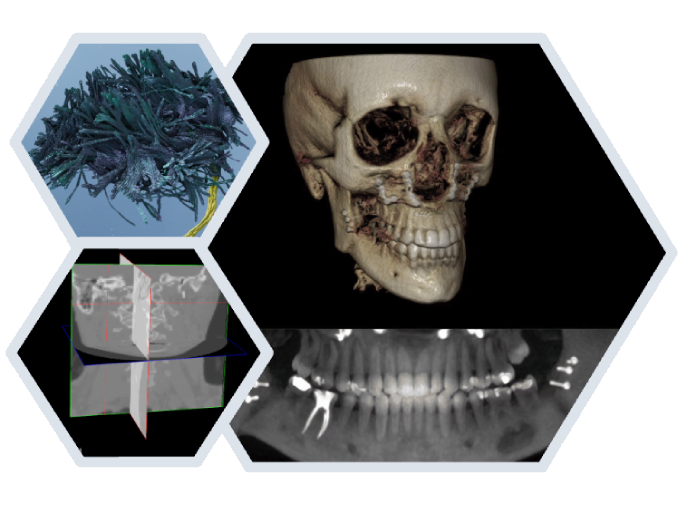
One of ActiViz’s strongest adoption areas. ActiViz is commonly used in the medical field for:
- Radiology (CT, MRI, PET visualization)
- Surgical planning and navigation
- Medical image segmentation & reconstruction
- Biomedical research tools
ActiViz provides native support for volumetric data, processing pipelines, and rendering techniques such as Multi-planar reconstruction (MPR), Curved-planar reconstruction (CPR) or volume rendering.
Supports a wide range of input formats such as: DICOM, NRRD, NIFTI, MHA…
Computer-Aided Design - CAD
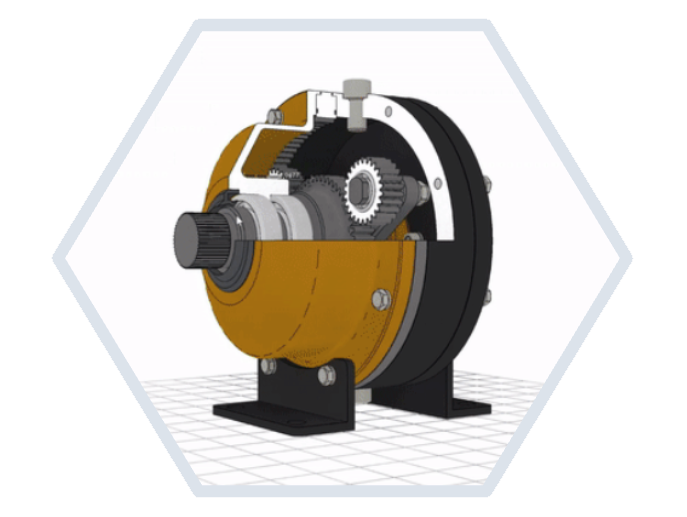
ActiViz supports CAD-to-simulation and CAD-to-manufacturing workflows. Typically used downstream of CAD systems, ActiViz excels at visualizing, analyzing, and processing CAD data. It helps you:
- Visualize tessellated CAD geometry
- Inspect complex assemblies
- Analyse geometry (normals, curvature, intersections…)
- Post-process and visualize simulation results
Supports a wide range of input formats such as: STL, OBJ, STEP, IGES…
Computer Graphics & Visualization
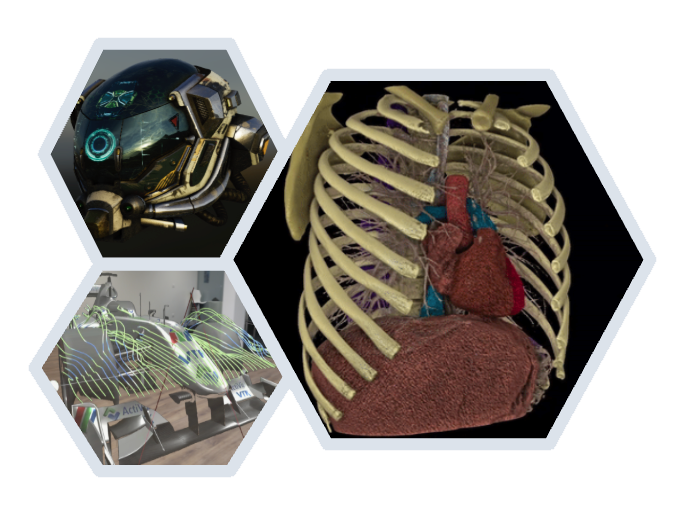
ActiViz harnesses the full power of VTK to provide cutting-edge, high-performance 3D graphics rendering. It provides various visualization algorithms and rendering techniques such as:
- Physically based rendering (PBR)
- Screen space ambient occlusion (SSAO)
- Order-independent transparency (OIT), depth peeling
- Post processing render passes (Tone mapping, Glow, Blur…)
- Extended reality (XR), augmented reality (AR), Virtual reality (VR)
Supports a wide range of input formats such as: OBJ, GLTF, HDR…
Integration in GUI frameworks
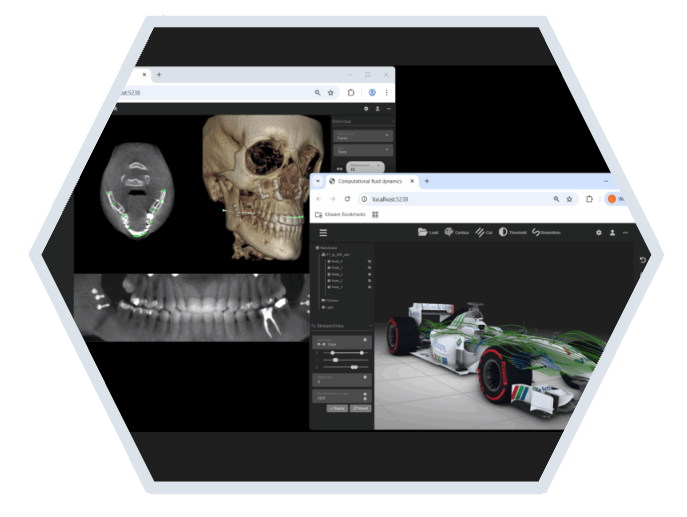
ActiViz allow users to build advanced cross-platform applications with a cutting-edge user interface. It supports Windows, Linux, MacOS and Web browsers by providing ready-to-use components for common C# UI frameworks including:
- Windows Forms (WinForms)
- Windows Presentation Foundation (WPF)
- WinUI 3
- Avalonia UI
Computer vision, Robotics & Autonomous Systems
ActiViz can also be used for perception and environment understanding. It provides strong capabilities in:
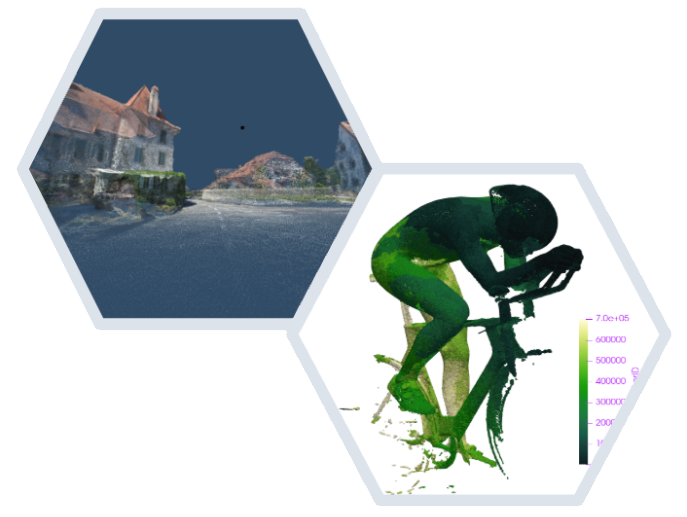
- 3D point cloud visualization
- Gaussian splatting
- Processing of sensor data (LiDAR, depth cameras)
- Interfacing with mapping and localization tools
- Real-time visualization
Mesh & Geometry Processing
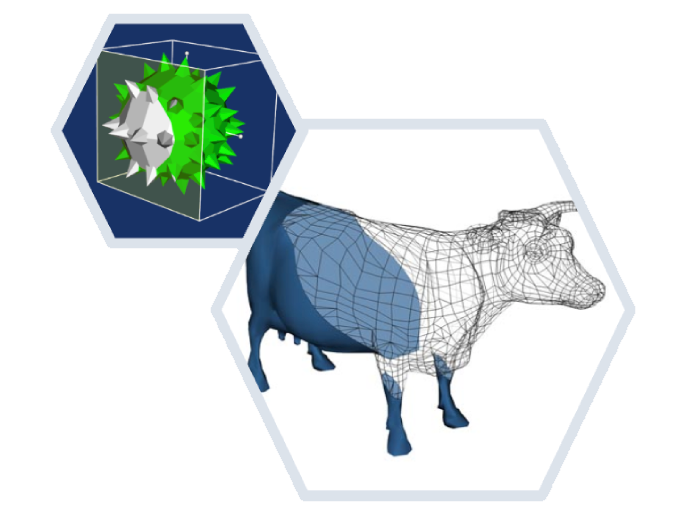
ActiViz is widely used as a mesh processing backbone in research tools, preprocessing pipelines, and visualization-driven geometry workflows. Among many other capabilities, it provides:
- Mesh cleaning, simplification, decimation, smoothing and remeshing
- Surface reconstruction
- Image-to-mesh and mesh-to-image conversion
- Feature extraction and curvature analysis
- Interactive widgets to manipulate algorithm inputs
Use ActiViz to design processing pipelines thanks to the generic data structures and advanced filters.
Data Visualization & Analytics
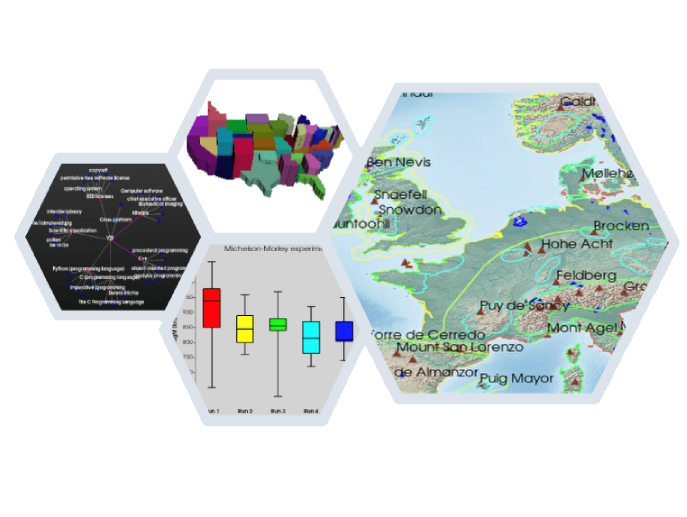
Activiz is well suited for visualizing spatial, geometric, and multidimensional data. It has proven valuable in areas such as:
- Charting and plotting for Visual Data Science
- Geographic Information System (GIS), Geospatial, Earth Sciences
- Bioinformatics and Large-scale Imagery
- Network and graph visualization
Supports a wide range of input formats such as: SHP, GeoTIFF, CSV…
Unity
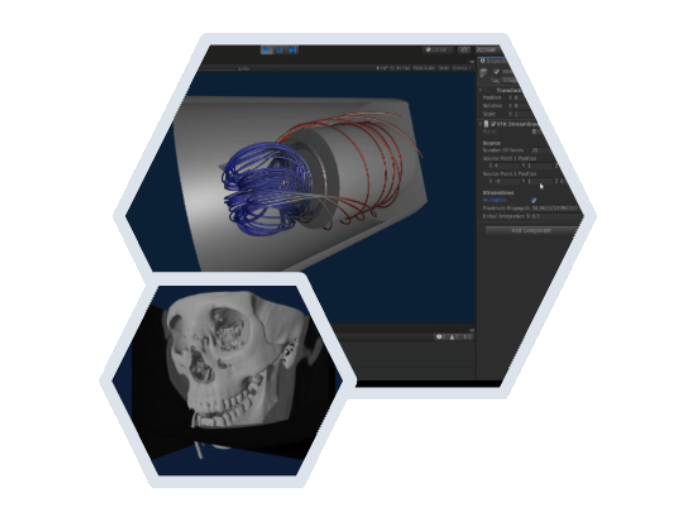
Bring the algorithms, data representation, scalability, and visualization techniques offered by ActiViz into the high quality environment that Unity provides.
The VTKUnity-ActiViz native plugin gives you access to the full VTK API from Unity’s scripts to render VTK actors mixed with Unity Game Objects. It also provides scripts to synchronize lights and cameras, as well as examples that demonstrate best practices to set up a VTK scene.